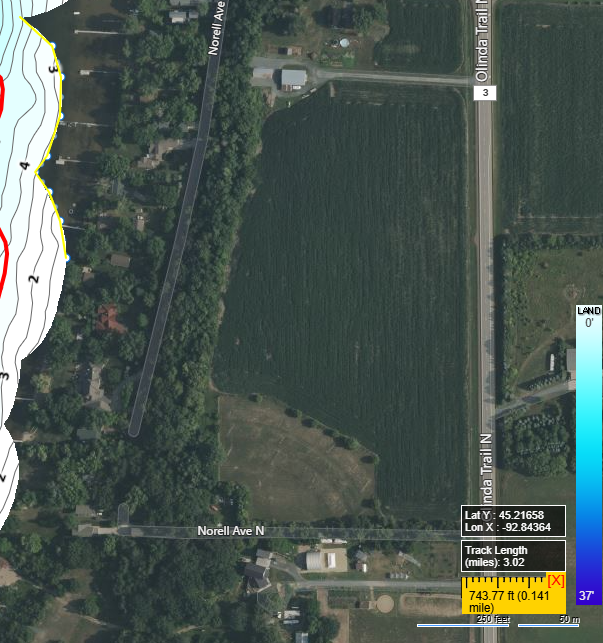
The Measurement Tool is great way to find out the size of underwater structures or length of shorelines or what needs to be measured.
To use the tool, follow these easy steps.
1. In the Trip Viewer click on the yellow ruler in the bottom right corner of the Trip Viewer screen.
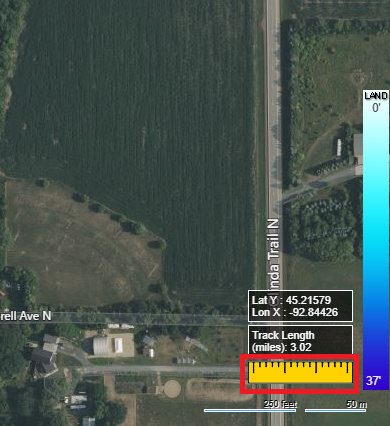
2. Click on the starting point of what you want to measure. Each click after will allow the change of direction, for example along a curved shoreline.
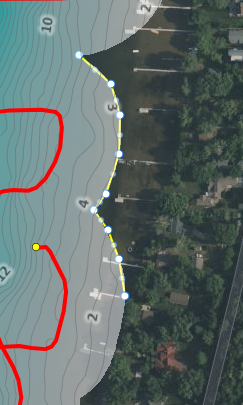
3. After completing the lines, you wanted to measure just double click on the last spot of the line and then click on the now green ruler.
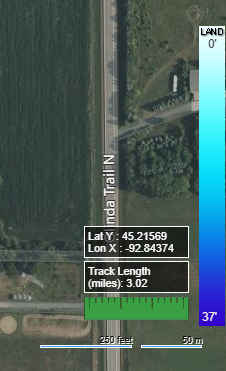
4. After clicking on the green ruler, the measured distance will now be displayed. The displayed distance will be shown in your preferred Measurement Preference.